

ShareByLight
Transfer files with light only
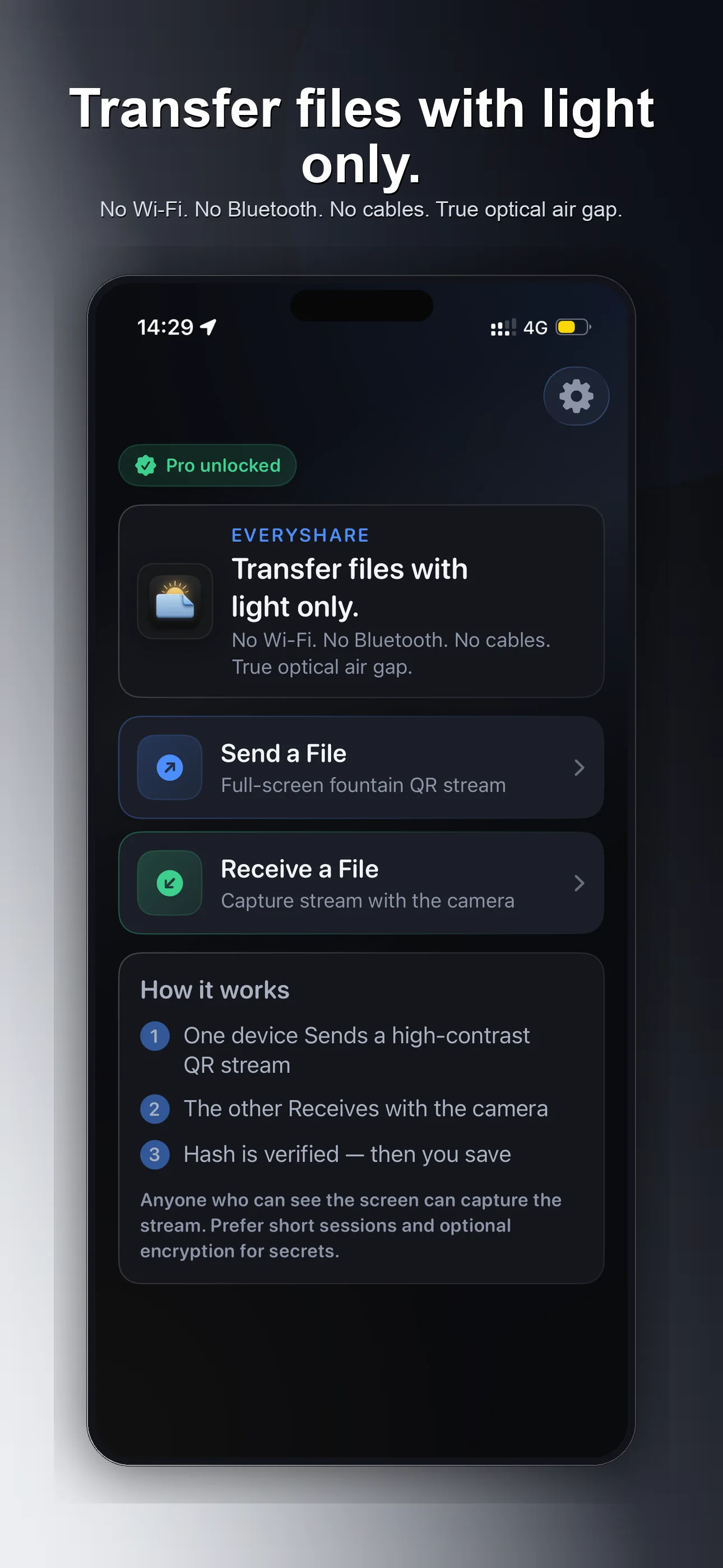
ShareByLight moves a file from one device to another using only the screen and the camera. No Wi-Fi. No Bluetooth. No cables. No account. No cloud for the file itself.
Why this exists
Some files should never cross a network. When devices are air‑gapped—or when you want them to behave that way—you still need a way to move a small payload from one machine to another without Wi‑Fi, Bluetooth, cables, or someone else’s servers.
ShareByLight keeps the transfer between the two devices in front of you: one shows a stream of codes, the other reads it with the camera, then you save the file. Nothing is uploaded; the path is optical and local. It’s built for small files—notes, keys, documents, short media—not multi‑gigabyte transfers. What leaves one screen arrives only on the other device’s camera, so the exchange stays private and under your control.
How it works
- On one device, choose a file and start the stream.
- On the other device, open Receive and point the camera at the screen.
- When the transfer finishes, save the file.
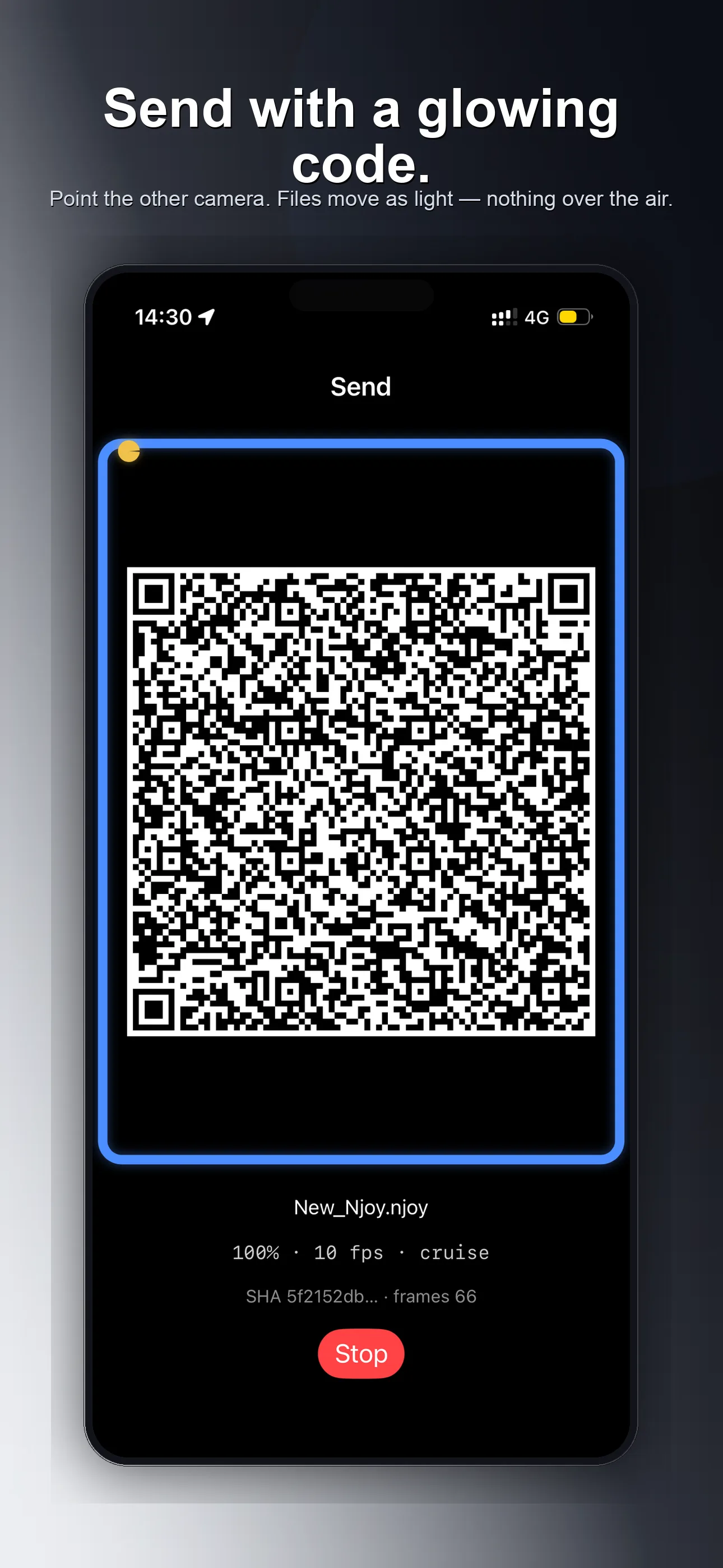
Send with a glowing code
The sending device turns your file into a high-contrast optical stream on the screen. Point the other camera, hold steady, and the file moves as light—nothing over the air as network data.
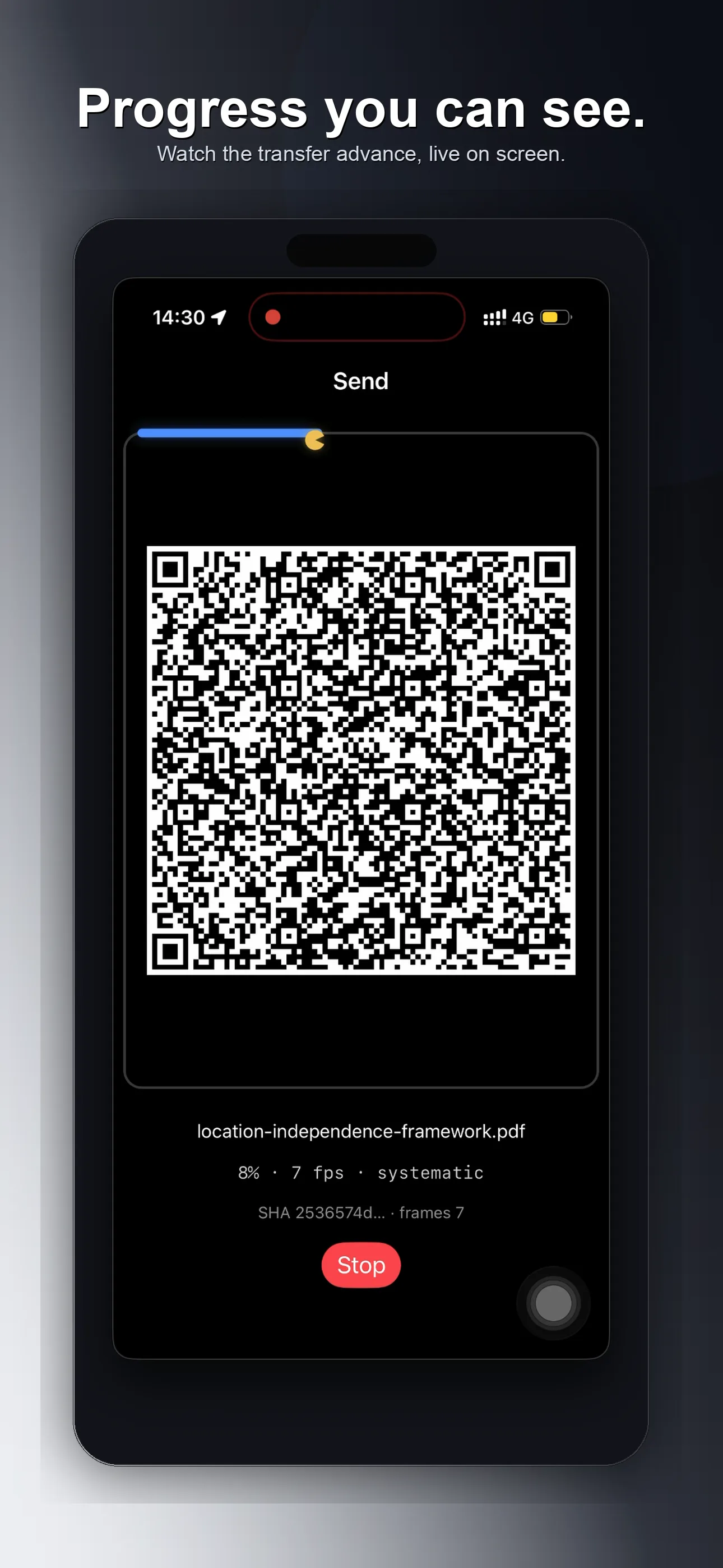
Receive with the camera
Open Receive, aim at the stream, and watch progress update as the file rebuilds on your device. When it’s done, save it where you need it.
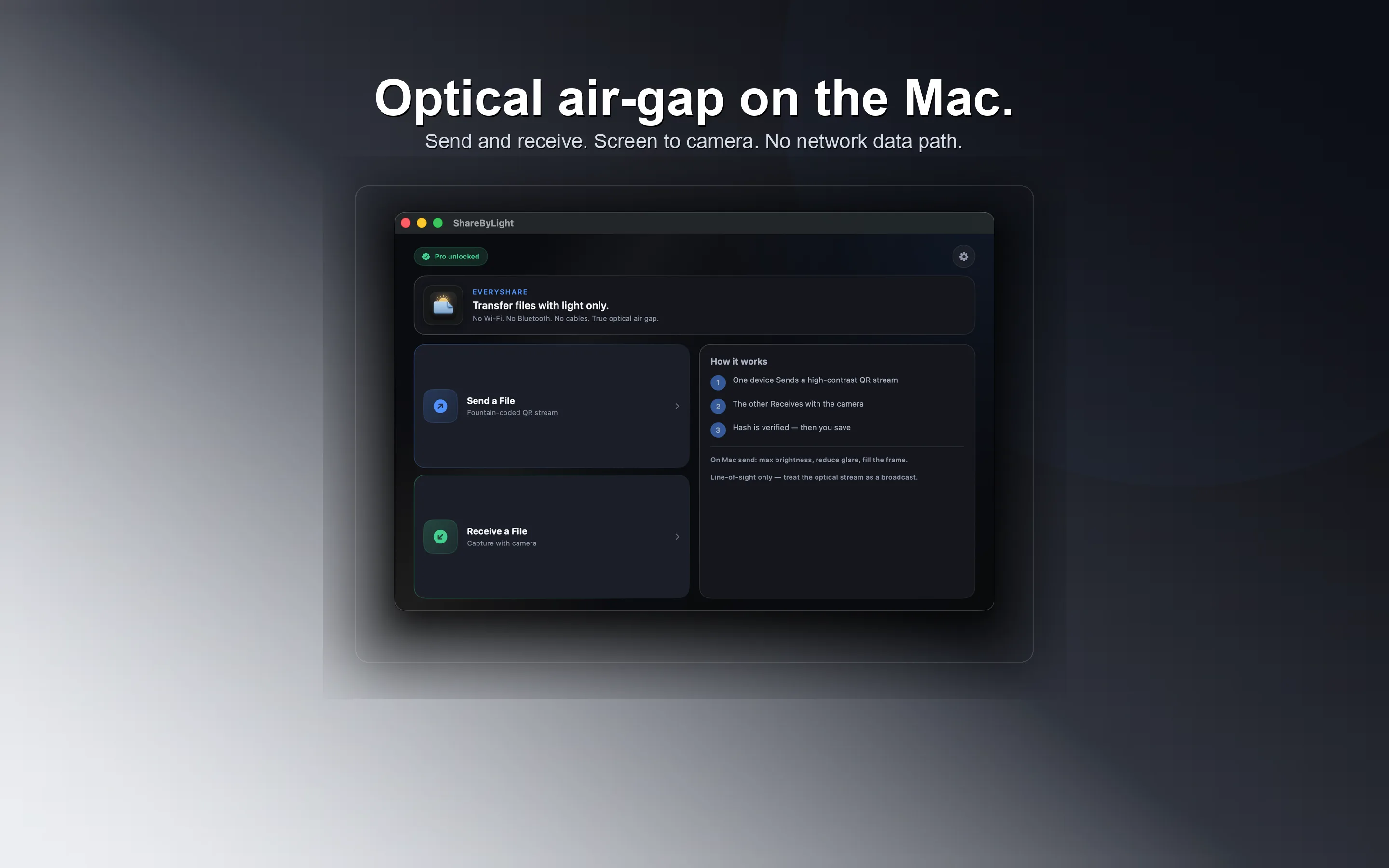
iPhone, iPad, and Mac
The same idea on mobile and desktop: send and receive in one app family, so you can move files phone to Mac, Mac to phone, or device to device without a shared network.
Free and Pro
Free
- Send or receive (one direction)
- Small files
- No account required
Pro
- Both directions on the same install
- Larger files
- Unlock via Apple In-App Purchase
Tips for a smooth transfer
- Max brightness on the sending screen
- Hold steady and fill the frame
- Reduce glare and strong backlight
- Anyone who can see the screen can capture the stream—use short sessions and a passphrase for sensitive files
Available on iPhone, iPad, and Mac
Download ShareByLight for iPhone, iPad, and Mac.
Questions about ShareByLight? Contact.